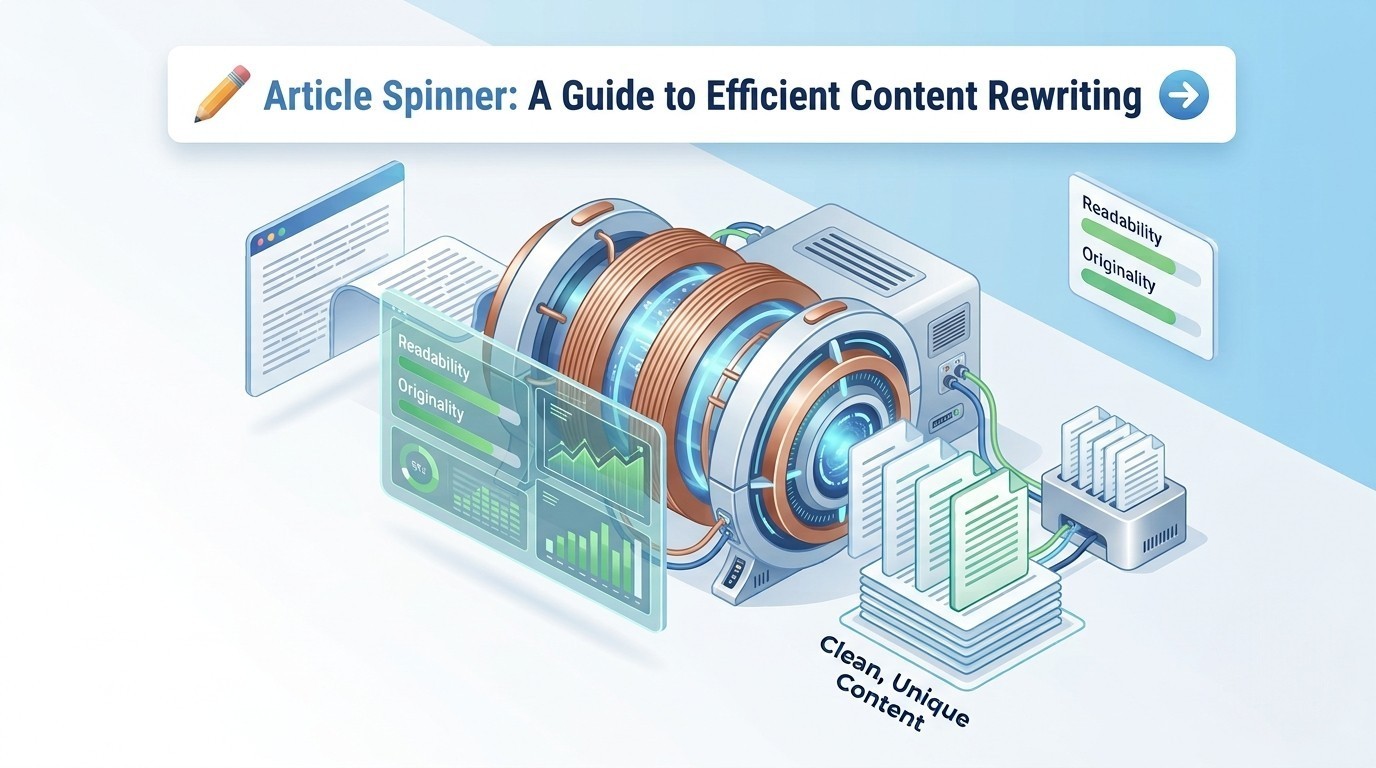
Article Spinner: A Guide to Efficient Content Rewriting
Writing is enjoyable, but when you are required to create fresh, engaging content day after day, it can quickly become a challenging task.
For many digital marketers, content writers, and bloggers, the pressure to maintain a consistent publishing schedule often causes writer’s block or worse, a decline in quality.
This is where an article spinner steps in. By automating the heavy lifting of rephrasing, it gives you the head start you need to maintain a consistent, fresh output flow.
In the current SEO climate, understanding how to use a content spinner tool correctly allows you to scale your work while keeping your quality high enough to satisfy both readers and search engines.
What Is an Article Spinner?
An Article Spinner is an online writing tool that takes your original text and swaps out words and phrases for suitable alternatives while preserving the meaning.
The goal isn't to change the message. Instead, it’s about changing the delivery.
It solves a very specific problem: the need for variety. Whether you're trying to avoid repetitive language or need to generate multiple versions of a product description, an automated tool provides a foundation you can work with.
Who uses Article Spinner Tools?
Busy content creators, SEO specialists managing multiple niche sites, or small business owners who don't have the budget for a 24/7 writing team, use article spinner tools to make their job easier.
How Does an Article Spinner Work?
Using a spinner is simple, but the tech behind it is quite interesting. While some people compare these to AI writers, traditional spinners focus more on linguistic patterns and synonym databases.
Here is the typical process:
- Input: You drop your text into the editor.
- Analysis: The tool scans for "swappable" words and looks for sentence structures that can be rearranged.
- Output: It generates a version that carries the same meaning but uses different vocabulary.
It’s a powerful tool in writing, especially if you already have a strong original piece and just need a fresh look for it.
Article Spinner vs. Manual Content Rewriting
Is a tool always better than a human? Not necessarily. It’s all about the use case. If you’re writing a deep, emotional opinion piece, do it manually.
But, if you’re refreshing a 500-word "how-to" guide for the third time, use a spinner.
Here’s a comparison between manual writing and the automated tool:
|
Feature |
Article Spinner |
Manual Rewriting |
|
Speed |
Seconds |
Hours |
|
Cost |
Minimal/Free |
High (Writer fees) |
|
Human Effort |
Low |
High |
|
Consistency |
Systematic |
Subjective |
|
Quality |
Context-dependent |
High |
Key Benefits of Using an Article Spinner
Why bother with a content spinner tool? Because efficiency is a major factor in succeeding in digital marketing.
- Saves Massive Time: You can churn out multiple variations in the time it takes to brew a cup of coffee.
- Reduces Duplicate Content: If you need to mention the same facts across different pages, spinning helps ensure the wording doesn’t sound repetitive.
- Repurposing Made Easy: Turn one solid blog post into three distinct scripts for social media or email updates.
- Beginner-Friendly: You don't need a degree in linguistics to get a fresh version of your text.
Why Quality Matters: Risks of Low-Quality Tools
Not every tool gets it right. Your content will suffer if you rely on a low-quality spinner and publish without reviewing.
The biggest risk is "word salad." This happens when a tool swaps a word for a synonym that doesn't fit the context (e.g., swapping "fast car" for "fasting car"). This hurts your readability and can actually damage your SEO.
According to Google Search Central, your content must be helpful and serve the user. If it’s unreadable, it’s not helpful.
Over-spinning is another issue. If the tool changes too much of your content, the logic of the article might fall apart. Use tools as assistants, not as replacements.
How to Use an Article Spinner Safely for SEO
To use an article spinner safely, follow these best practices:
- Edit the Final Result: Think of the output as a rough draft.
- Check for Flow: Read it out loud. If it sounds robotic, tweak the transitions.
- Verify with a Plagiarism Checker: Before publishing, always run your content through a tool like a plagiarism checker to ensure the version is genuinely unique.
- Avoid Keyword Stuffing: Ensure your main keywords still appear naturally and haven't been overused.
- Prioritize the Reader: If the rewritten version doesn't make sense to a human, don't publish it.
- Focus on Value: Use the tool to make your content more readable, not just different.
Why Rewriter Tools’ Article Spinner Is Considered Reliable
If you're looking for a tool that doesn't overcomplicate things, Rewriter Tools’ Article Spinner tool is ideal for you. It’s built for those who want a clean, logical output for free.
Key Features of Rewritertools Article Spinner
Rewriter Tools’ Article Spinner uses advanced linguistic algorithms to intelligently restructure text while preserving its core message. By focusing on synonym replacement, sentence variety, and originality, it helps generate SEO-friendly content that feels fresh and natural.
- User-Friendly Design: A simple "paste-and-go" interface that removes the complexity from content rewriting.
- Smart Synonym Selection: Preserves your original meaning while providing a fresh, updated feel to your text.
- Context-Focused Logic: Ensures your rewritten sentences flow naturally and make sense to human readers.
- Instant Variations: High-speed processing that generates a new draft in seconds to help you scale your output.
- Zero-Cost Solution: A reliable free article spinner that offers professional-grade results without a subscription.
- Universal Accessibility: Entirely web-based, allowing you to refresh your content from any device without an install.
- SEO-Conscious Output: Prioritizes originality to help your pages avoid duplicate content flags and rank better.
Frequently Asked Questions (FAQ)
Is an article spinner safe for SEO?
Yes, as long as the final output is high-quality and readable. Google values content that helps users. If your spun content is polished and accurate, it’s safe for SEO.
Can an article spinner reduce plagiarism?
It can reduce plagiarism significantly. By restructuring sentences and changing vocabulary, it ensures your content has its original style and isn't a direct copy of another source.
What is the difference between article spinner and paraphrasing tool?
Article Spinner and Paraphrasing Tool — the terms are often used interchangeably. In reality, they work differently and offer different results. Generally, a spinner changes the wording with more fitting synonyms, while a paraphrasing tool is often used to rewrite the entire paragraph.