
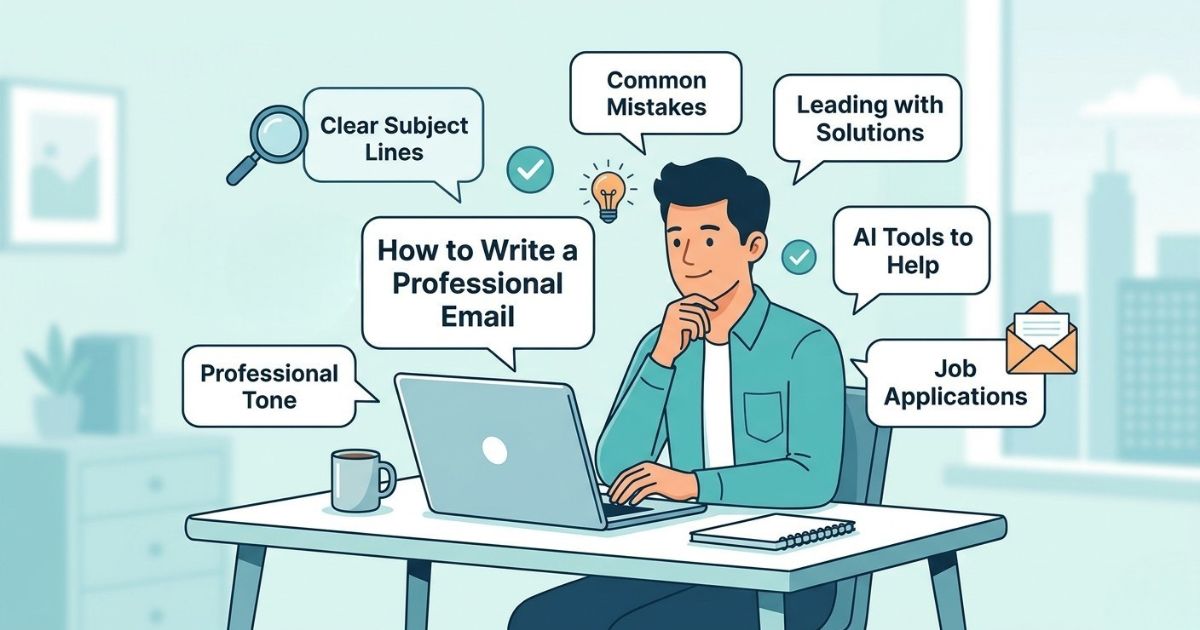
How to Write a Professional Email: Common Mistakes, Tips & Examples
If you’ve ever reread an email after sending it and thought, “This sounds too blunt” or “Oh, I hope this doesn’t come off wrong,” you’re not alone. Writing a professional email does sound like a daunting task. But it doesn’t have to be.
Professional email writing is about being clear and intentional. It has nothing to do with big, complex words and jargon.
Why Professional Email Writing Still Matters
When you’re in a professional setting, which could be your workplace, you have to rely on emails to communicate with your boss, clients, and peers. Since the communication is mostly done in written form, you have to make sure your email conveys your intent exactly the way you want it to.
If not, even a simple message can be misread — what you meant as a quick update might come across as dismissive, unclear, or even unprofessional.
That’s the risk with written communication. There’s no tone of voice to soften your words, no immediate feedback to correct misunderstandings. Everything depends on how clearly and thoughtfully you frame your message.
And that’s exactly why learning to write professional emails isn’t optional anymore.
What difference does a well-written email make?
A well-written email does three things:
- It reduces back-and-forth by making your message clear.
- It builds credibility over time.
- It makes it easier for others to act on your message.
Common Mistakes That Make Emails Sound Unprofessional
Most emails don’t fall apart because of grammar. They fall apart because of the wrong tone and inappropriate structure.
- Being Too Direct Without Context
Ex: “I can’t finish this today.”
It’s clear, but abrupt. There’s no reasoning, no direction.
- Overusing Soft or Uncertain Language
Ex: “I just wanted to ask if maybe we could…”
The tone is hesitant. It weakens your message before it even lands.
- Writing Without a Clear Purpose
If the reader has to guess your intent or repeatedly ask for clarification, the email isn’t doing its job.
- Sounding Emotional Instead of Objective
Ex: “I’m really frustrated with how this is going.”
Your frustration might be valid, but it rarely leads to productive outcomes in written communication.
A Simple Structure to Write Emails Professionally
Instead of overthinking tone, focus on the structure more. When your message is organized clearly, a professional tone will follow naturally.
Here’s a clear structure:
- 1. Clear Subject Line
Start with a subject line that tells the reader exactly what to expect. It should be specific and easy to act on.
Ex:
“Update on Client Proposal Timeline”
“Request: Feedback on Q2 Report”
- 2. Context (Why you’re writing)
Open with a line or two that sets a clear direction. This helps the reader understand the purpose immediately, without guessing.
- 3. Main Message
Get to the point, but don’t leave gaps. Include the key details the reader needs to understand the situation.
Example:
Subject: Update on Client Proposal Timeline
Hi [Name],
I wanted to share a quick update on the proposal timeline. After reviewing the current scope, I recommend submitting the final version by Monday to ensure accuracy and completeness.
Please let me know if that works or if you'd prefer an earlier draft.
Best regards,
[Your Name]
Professional Email Writing Examples for Common Work Scenarios
These are situations most people run into regularly. The difference is in how you frame them.
- Requesting a Deadline Extension
Subject: Revised Timeline for Project Delivery
Hi [Name],
After reviewing the current workload, I recommend submitting the final deliverable on Thursday to maintain quality and accuracy.
Please let me know if this adjustment works for you.
Best regards,
[Your Name]
- Asking for Help or Clarification
Subject: Clarification on Project Requirements
Hi [Name],
I’d like to confirm a few details regarding the project scope to ensure everything aligns with expectations.
Would you be available for a quick discussion, or could you clarify the requirements around [specific point]?
Thanks in advance,
[Your Name]
- Following Up on an Email
Subject: Follow-Up on Budget Proposal
Hi [Name],
I’m following up on the budget proposal I shared earlier this week.
Please let me know if you need any additional information to move forward.
Best regards,
[Your Name]
- Reporting a Problem or Delay
Subject: Update on Task Progress
Hi [Name],
I wanted to flag a delay due to [brief reason]. I’m currently working on resolving it and will share an updated timeline shortly.
Thanks for your understanding,
[Your Name]
How to Write a Professional Email to Your Boss
Writing to your boss requires a slightly different approach.
When you talk face-to-face, your boss can read your body language and hear your tone of voice. In email, none of that exists. Your tone is carried only by your words.
This is why tone makes a difference in the workplace communication; without visual cues, a simple update can easily be misread as a complaint or a lack of effort.
- Make Your Point Clear Early
As most managers skim emails, reading only the highlights, you have to make the key points obvious early in the writing.
- Lead With Solutions, Not Problems
Instead of:
“I won’t be able to finish this by Tuesday.”
Try:
“To ensure the final output meets expectations, I recommend submitting it on Wednesday.”
See how the same message with different structures has different impacts?
The first one sounds dismissive, as if you don’t care about the task. The second one feels more responsible and ends with an assurance that the task will be done by the given time.
- Show Ownership and Accountability
Treat every email as a reflection of your standards. Take an extra minute to proofread and ensure your perceived value matches your actual talent.
Avoid vague phrasing:
“It was decided the timeline should change.”
Be direct:
“After reviewing the requirements, I recommend adjusting the timeline.”
- Keep It Concise but Complete
Your message should be easy to scan, but still provide enough context for decision-making.
How to Write a Professional Email for a Job
Job-related emails carry a different kind of weight. Your resume and your email make the first impression of your perceived value to HR.
In many cases, the email is read before the resume is even opened, which means the way you introduce yourself can influence whether the rest of your application gets proper attention.
Unlike internal workplace emails, where some context already exists, here you’re starting from zero. The reader doesn’t know your background, your intent, or your relevance, so your message has to establish all three quickly and clearly. That’s why clarity matters, but so does positioning.
A strong job email makes your intent obvious from the subject line, avoids unnecessary backstory, and connects your experience directly to the role. It also respects the reader’s time. Hiring managers often scan dozens of emails in a short window, so anything vague or overly long gets ignored.
When you might need this -
- Applying for a role
- Contacting a recruiter
- Following up after an interview
- Example: Job Application Email
Subject: Application for [Role Name] – [Your Name]
Dear [Hiring Manager’s Name],
I’m writing to apply for the [Position] role at [Company Name]. With experience in [relevant field or skill], I believe I can contribute effectively to your team.
I’ve attached my resume for your review and would welcome the opportunity to discuss how my background aligns with your needs.
Thank you for your time and consideration.
Sincerely,
[Your Name]
How AI Tools Can Help Your Emails Sound More Professional
Sometimes you’re tired, stressed, or frustrated. In those moments, your writing may sound sharper or lazier than you intend. That’s where rewriting tools can help you shape your writing the way you want.
A modern AI rewriter does more than replace words with synonyms. It looks at tone, clarity, and intent. You can paste your raw message and adjust the tone to “Professional” or “Formal” to see how it reads from different perspectives.
Using a tool to rewrite emails to communicate upward can help you:
- Catch phrases that sound too blunt
- Remove emotional language
- Improve structure and clarity
- Learn better workplace communication habits
Over time, you’ll start noticing patterns and your writing skills will improve naturally.
 Facebook
 Twitter
 WhatsApp
 LinkedIn